



Hearts Theme: How to Customize Your Home Screen with 24 Options for Android
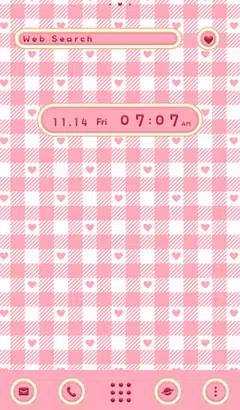
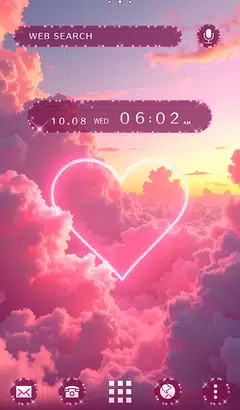
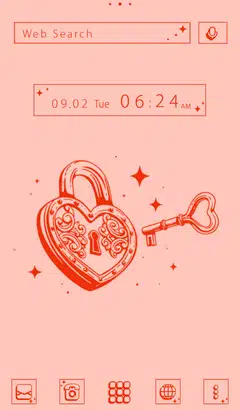
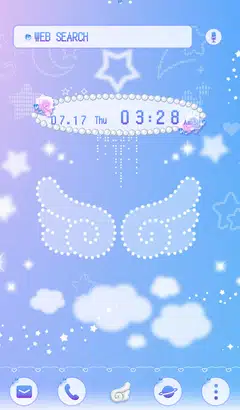
Easy ways to customize your Android home screen with the Hearts theme! If you find a home screen customization that suits your taste from the many themes available, you can use the popular smartphone customization app +HOME to apply the Hearts arrangement to your home screen with high-quality wallpapers, icons, clock widgets, and search widgets, all for free.

Download +HOME, the App You Need for Hearts Customization!
c<p>With +HOME, the popular smartphone customization app, you can completely customize your smartphone's home screen to a Hearts theme for free! Easily set wallpapers, icons, clock widgets, and search widgets!
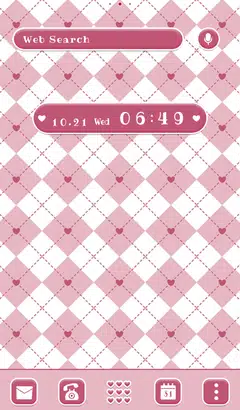
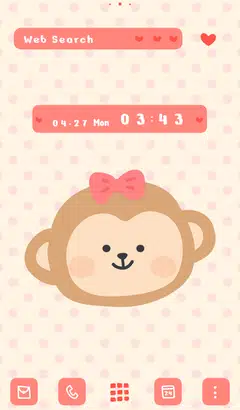
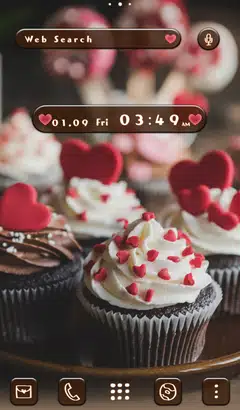

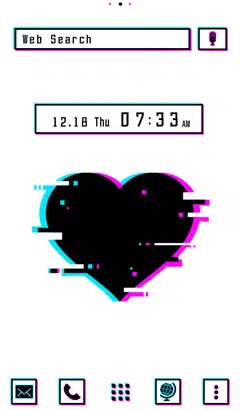


+HOME Recommended Popular Ranking
+HOME Special Features List.
-
🌸 Clip art of cherry blossom 🌸
Make your smartphone standby attractive with an illustration of cherry blossoms, the symbol of spring! Why don't you enjoy spring with a heart-fluttering design?
-
🎀 Prep for Winter like a British Lady🧣
Add warmth to your home screen with the British Girly collection! Monopolize a screen that lifts your spirits with highly fashionable designs woven with houndstooth and checkered patterns.
-
🍁 Autumn Leaves Theme Special 🍁
Enjoy the beauty of autumn leaves on your smartphone! Let’s adorn your phone with free themes featuring autumn landscapes, including beautiful scenes from Kyoto!
-
🎁 Christmas Special 🎄
Exciting Christmas Special! Enjoy the holiday spirit by dressing up the illuminated cityscape and snow globes!
-
🥑 Cute food special 🍞
Which food do you want today? Decorate your phone with cute and tasty food illustrations!
-
🐈⬛ Cute Black Cat Theme Special 🐈⬛
A black cat that brings happiness comes to your smartphone! Feel a moment of peace with this adorable black cat theme🐈⬛
-
🍉 Summer Chill Theme Special Feature 💖
Enjoy a relaxing summer break on your smartphone! Relax and unwind with soothing chill-out themes🍉
-
🌸 Pink Theme Special 🌸
Make your smartphone more cute with pink Kisekae! Introducing a variety of Kisekae themes from elegant to pop!
-
🥰 Valentine's Theme Special 2026 🍫
Add a touch of love magic to your smartphone screen! Start a happy digital life with Valentine's Day design themes that heighten your feelings for loved ones and treat yourself to a special mood ♥️
-
🌕 Enjoying the Moon Viewing: Full Moon Theme Special 🌕
Enjoy moon viewing right on your smartphone screen! Relax with rabbit and pampas grass themes 🌕🐰
-
💙 White Day Theme Special 2026 💙
Express your gratitude with a radiant blue glow! Get this elegant blue theme perfect for White Day—a special home screen adorned with pure, sophisticated colors—on your phone now💙
-
🪐 Galaxy Special 🪐
Featuring smartphone standbys that feel the mystery of the universe! Galaxy motif designs of the night sky and space will add a fantastic touch to your everyday life!
-
🌃 Eye-friendly dark mode feature 🌌
A collection of practical dark mode themes with a black background for the entire screen that are easy on the eyes and conserve battery power 👀✨
-
🌊 Beautiful Sea Theme Special 🌊
Decorate your phone with the blue of the ocean! Please enjoy the beautiful ocean kisekae theme feature that will put your mind at ease 🌊✨
-
🐰 Cute Rabbit Special 🐰
Featuring a smartphone standby with an adorable rabbit motif! Soothing designs will bring healing to your daily life.
-
🌸 Night Cherry Blossom Special 🌸
Make your smartphone standby gorgeous with enchanting nighttime cherry blossoms! Make your daily life beautiful with fantastic designs!
-
🌈 🎨Seven-color gradient rainbow design special.🌈 🎨
This is a simple but beautiful rainbow zine theme feature with a main focus on beautiful rainbow photos and illustrations, and a seven-color gradation that shifts from red to purple. 🌈
-
🗻 New Year's Fortune-Boosting Theme 2026 🗻
Bring good fortune to your phone in 2026! Dramatically boost your New Year's luck with our lucky motif theme! 🔝😆
-
✨ Cool Summer Special Feature ✨
Colorful summer items welcome you! Express the season with smartphone customization✨
-
🌆 Nostalgic Theme Special Feature 🌆
Smartphone scenes bathed in twilight. Get your hands on fantastical displays woven with nostalgic light and shadow through sunset and night sky themes right now🌆
List of How to Use +HOME
-
About the Home Screen
-
Let's Change the Theme
-
How to Use the Drawer (App List)
-
Mastering the Home Screen
-
About the Iconpacks
-
How to Change Home Screen Icons Individually
-
How to Change Home Screen Icons All at Once
-
How to Change Home Screen Icons with Your Favorite Images
-
How to change home screen icon size